
AI Unplugged · by Mike Murphy · sent October 9, 2026 · Issue 079
Claude Gets Things Moving
Claude can now turn connected data into live dashboards and ideas into animated explainers, as Anthropic launches Claude Dashboards and Claude Motion in beta.
🌲 Agent Evergreen Build Log
One more person joined the Agent Evergreen waitlist this week. Thanks for following along!
- Waitlist Signups: 4
- Read the full manifesto: mikemurphy.ai/articles/agent-evergreen-manifesto
- The Founding waitlist: mikemurphy.ai/evergreen
🗞️ AI News of The Week: Claude Adds Dashboards and Motion
Claude can now turn connected data into live dashboards and ideas into animated explainers.
Anthropic announced two new tools on October 8:
- Claude Dashboards builds charts from connected business data and refreshes them as the data changes. It’s in beta on paid plans.
- Claude Motion animates text, charts, shapes, and images from your instructions. You can request changes and download an MP4. It’s in beta on Team and Enterprise.
Docs, Slides, and Design are also out of beta and available on every Claude plan, including Free.
👉 Read more about Claude Dashboards and Motion
🧠 AI Term of The Week: ASD-STE100
Definition: ASD-STE100, also called Simplified Technical English, is a standard that uses writing rules and a controlled dictionary to make technical instructions easier to understand.
It began in aircraft maintenance, where unclear instructions can cause serious problems. The idea is useful when you ask AI to help write instructions, too: use clear actions and consistent words.
Note: This is an AI-friendly format that I really love and plan to adopt in my tutorial writing, as it removes all fluff and makes the step-by-steps very clear.
Real examples:
- I asked AI to revise a setup guide using STE-inspired principles and got one instruction per sentence, active verbs, and the same name for each part. The results were very clear and easy to understand.
💬 Quote of the Week
“The only way to do great work is to love what you do.” — Steve Jobs, 2005 Stanford commencement address
🧰 AI Tool of The Week: Google Flow
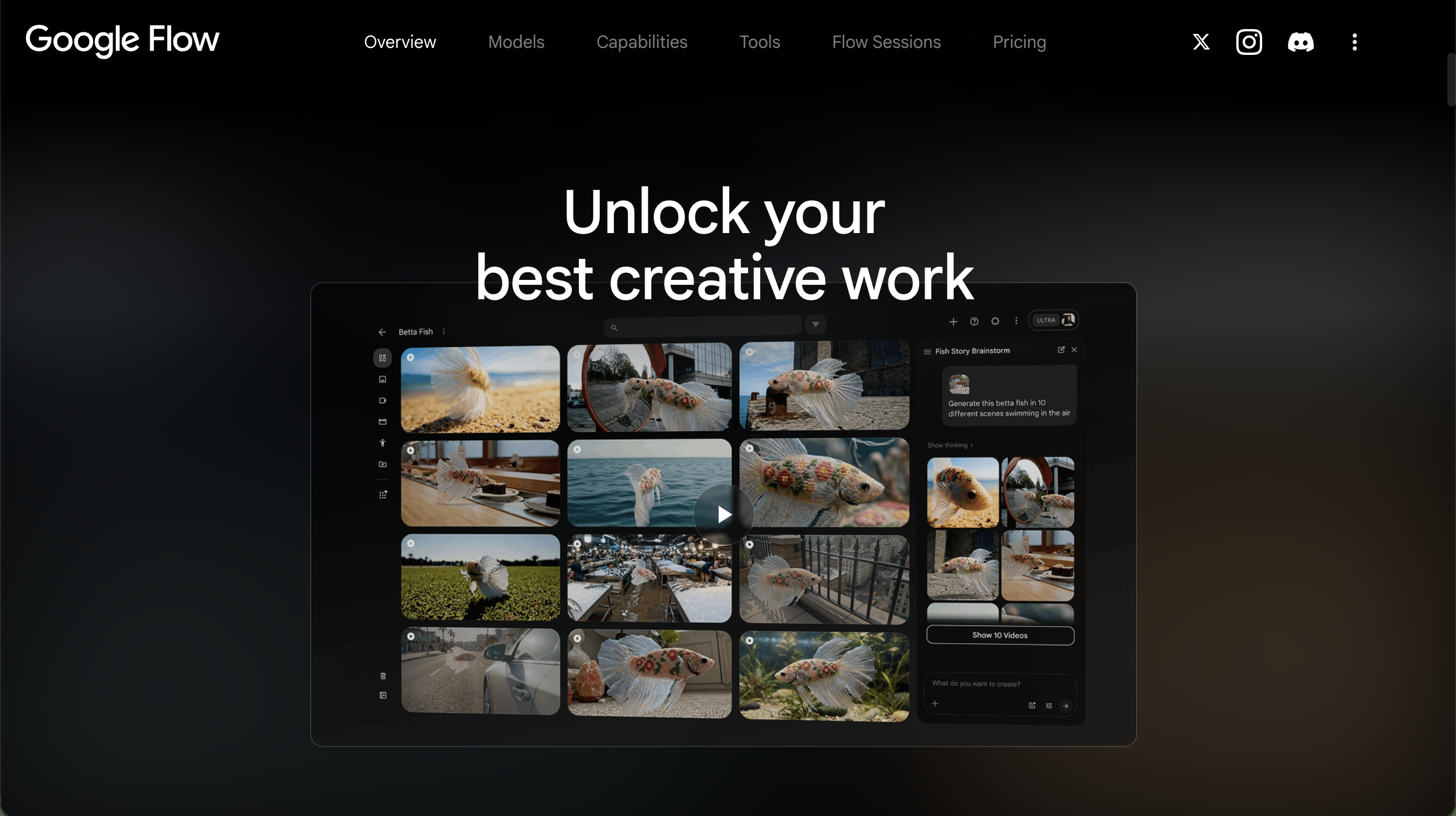
Google Flow is an AI creative tool for creators who want to generate video clips from written descriptions and visual references.
What it does:
- Creates video clips from a description of the scene, action, and style.
- Uses reference images to guide the characters and objects in your clips.
- Animates between a starting image and an ending image you provide.
🛠 AI Tutorial Of The Week: How to Create Branded HTML Animations with Claude Code
Description: Learn to describe an animation to Claude Code in VS Code and turn it into a single HTML file that plays in your browser.
🤖 What You’ll Learn
- Set up a project folder and open the Claude Code extension in VS Code.
- Add your brand’s design system and write a brief covering the subject, message, style, and format.
- Preview the HTML file in a browser and refine the animation with follow-up prompts.
- Share the result through export or screen recording.
📺 Watch Tutorial on YouTube 📖 Follow the written walkthrough
Mike Murphy — The AI Handyman 🧰 Helping creators & small businesses turn their content & documents into AI-powered tools.