
AI Unplugged · by Mike Murphy · sent April 24, 2026 · Issue 055
ChatGPT Images 2.0
ChatGPT Images 2.0
🗞️ AI News of The Week: Introducing ChatGPT Images 2.0
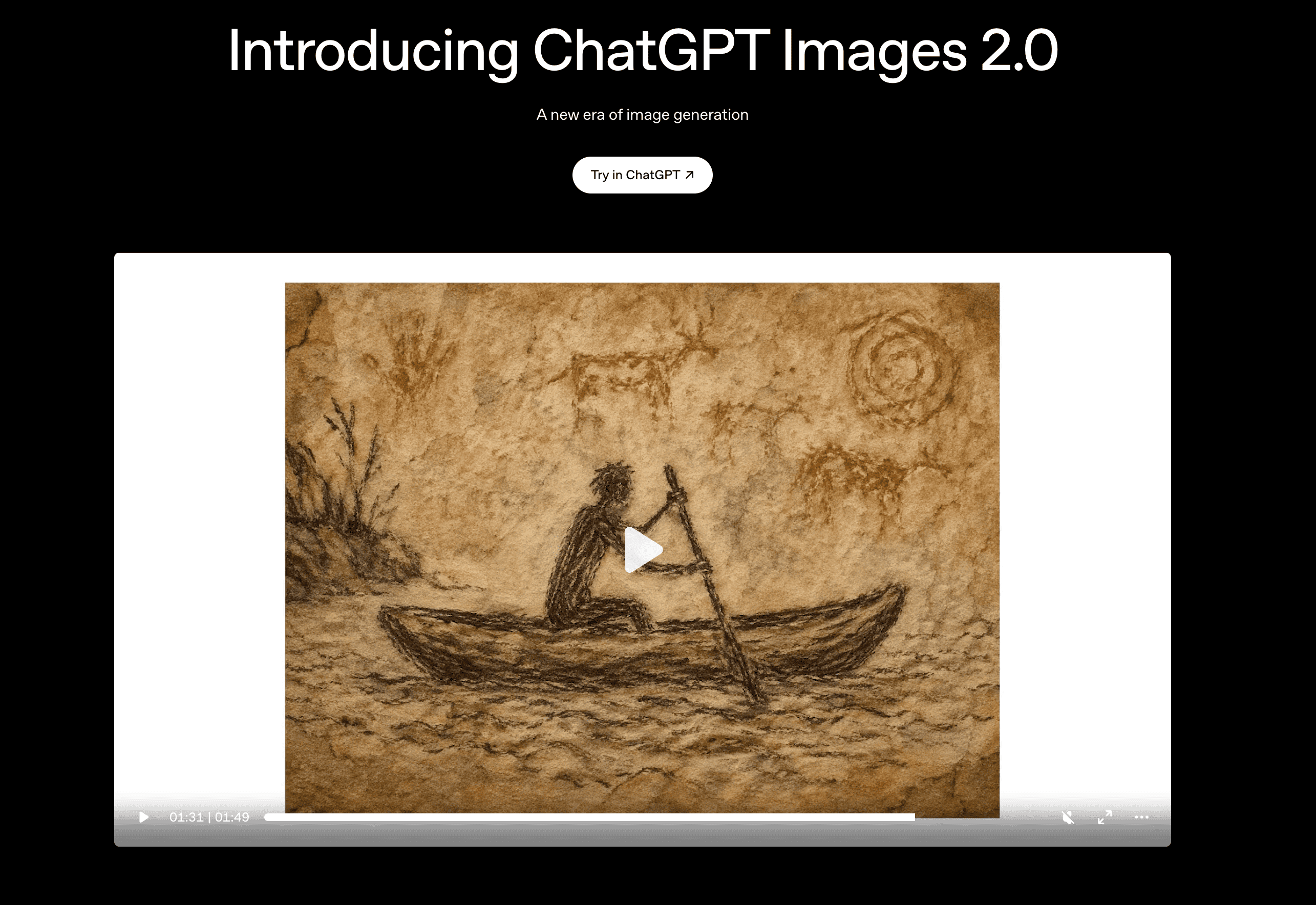
OpenAI has launched ChatGPT Images 2.0, a major upgrade to the image generation experience inside ChatGPT that brings sharper fidelity, better text rendering, and more controllable edits.
Mike’s First Take: It’s impressive and pretty awesome! It is definitely close or better than Nano Banana which is about as good as it gets right now for Generative AI.
Why this matters:
-
Higher fidelity by default, meaning less prompt wrestling to get usable visuals
-
Text in images is finally reliable, so posters, thumbnails, and ads stop looking broken
-
Better in-place editing lets you tweak one part of an image without regenerating the whole thing
-
Brings ChatGPT closer to being a one-stop content shop for creators and small businesses
👉 Read More About ChatGPT Images 2.0
🧠 AI Term of The Week: Tool Calling
Definition: Tool calling is when an AI model decides on its own to use an external tool, like a search engine, calculator, or API, to complete a task instead of answering from memory alone.
**Explain Like I’m 5:**It is the difference between a kid guessing what time it is and a kid who walks over and looks at the clock. Tool calling lets the AI walk over and check.
Real examples:
-
Not tool calling: ChatGPT telling you the weather based on old training data.
-
Tool calling: ChatGPT checking a live weather API and reporting today’s actual forecast
-
**Not tool calling:**Claude estimating your calendar from context
-
Tool calling: Claude opening your Google Calendar, listing today’s events, and drafting a reply to the 3pm invite
Why it matters now:
-
Tool calling is what turns a chatbot into an actual agent that gets work done
-
It connects AI to your real data and apps, so answers are accurate instead of hallucinated
-
This is the foundation for every serious AI workflow in 2026, from research assistants to inbox managers
💬 Quote of the Week:
❝
*“We have two lives, and the second one begins *
when we realize we only have one.“
– Confucius
🧰 AI Tool of The Week: Paper (Design)
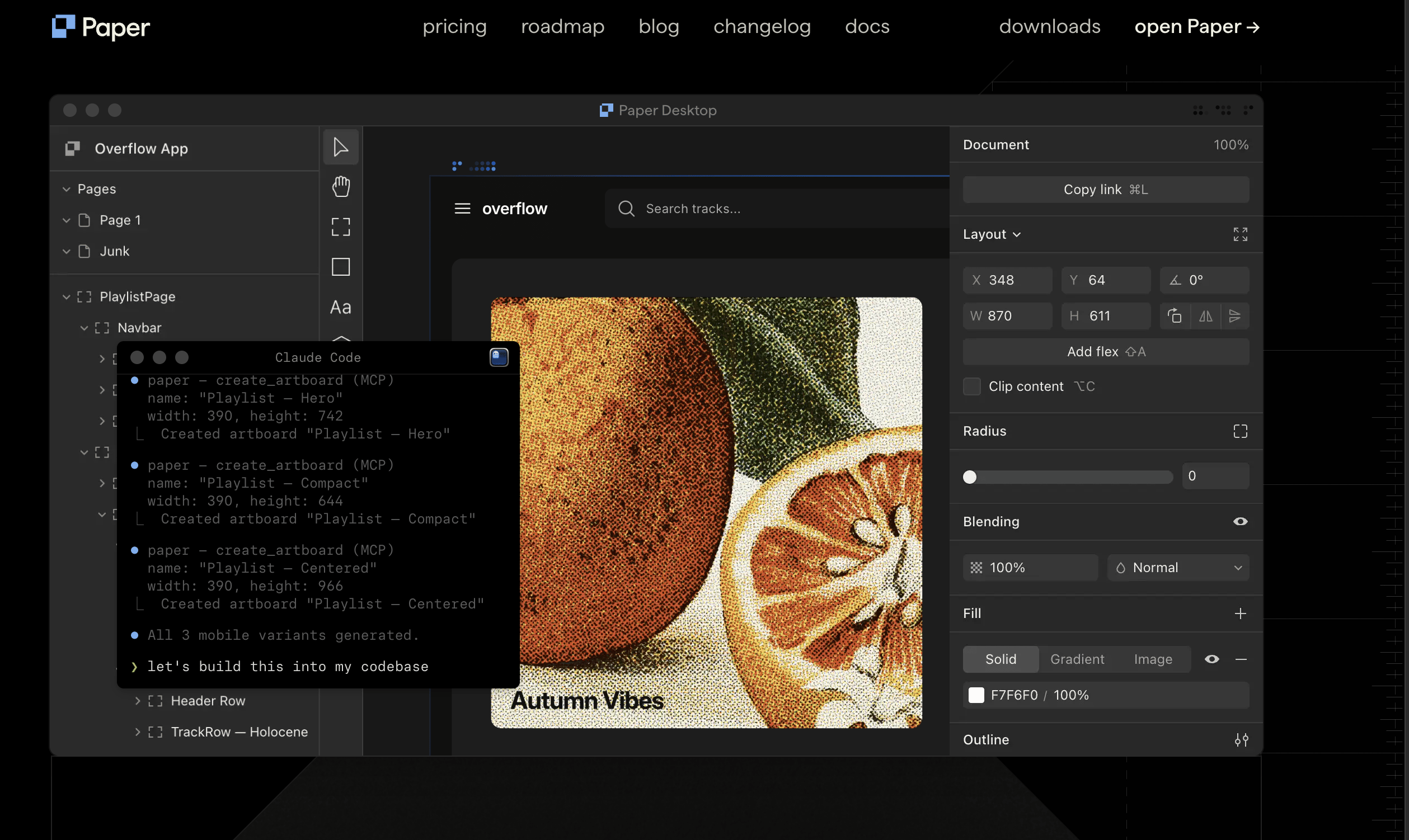
**What is Paper? **
Paper connects your teams, agents, code, and data on a single design space built on web standards, so nothing gets lost in translation. Good for landing pages, mockups, UI, etc. **Mike:**Paper feels like a cooler and more agentic-friendly alternative to Figma.
What it does:
-
Lets humans and AI agents work side by side on the same design file
-
Keeps design handoff tight by eliminating the translation layer between tools
Why it’s interesting:
-
Treats AI agents as first-class collaborators instead of bolt-on features
-
Web-standards foundation means what you design is much closer to what actually ships
-
Points at where design tools are heading as agents start doing real production work
**👉 **Check Out Paper
🛠 AI Tutorial Of The Week: How To Build an LLM Knowledge Base in Obsidian with Claude Code
Description: In this tutorial, you will learn how to create your own LLM knowledge base in Obsidian using Claude Code. Inspired by Andrej Karpathy’s LLM Wiki concept, this workflow turns Obsidian into a searchable second brain that you can query, expand, and maintain with the help of Claude Code.
🤖 What You’ll Learn
-
Karpathy’s LLM Wiki: the concept behind it
-
Obsidian: set up your vault for an LLM knowledge base
-
Obsidian Web Clipper: capture articles into your vault
-
Claude Code: run it inside your Obsidian vault
-
Knowledge base structure: folders, tags, and links that scale
-
Querying your notes: ask Claude Code questions across your vault